Making a website
This is mostly a post to get more comfortable with web posting. I’m also using this to share how I built this webpage.
Finding a place to put it
I originally searched for ways to host a website at home or maybe in a could service. But all the options I found required some sort of knowledge in how to actually run a website. Then I learned about GitHub Pages which seemed to be a good option to start and learn how to do this.
How to put it
As described in the link, it’s as simple as creating a new repository for your username, and you can start working on it. For example, to make this website I made the repository marioasmira/marioasmira.github.io which is now being published at marioasmira.github.io. This website however, would need to be written in HTML and CSS, and I’m not super familiar with those… So I decided to also follow their suggestion of using Jekyll.
Jekyll is a neat way to transform Markdown text files into a static website, which is exactly what I wanted to do. After choosing where to publish and how to publish these pages it was relatively easy to follow the guides.
Neat things
We can import images. For example, here is a picture of a Drosophila melanogaster egg under the microscope in which the colour layers somehow got shifted around:
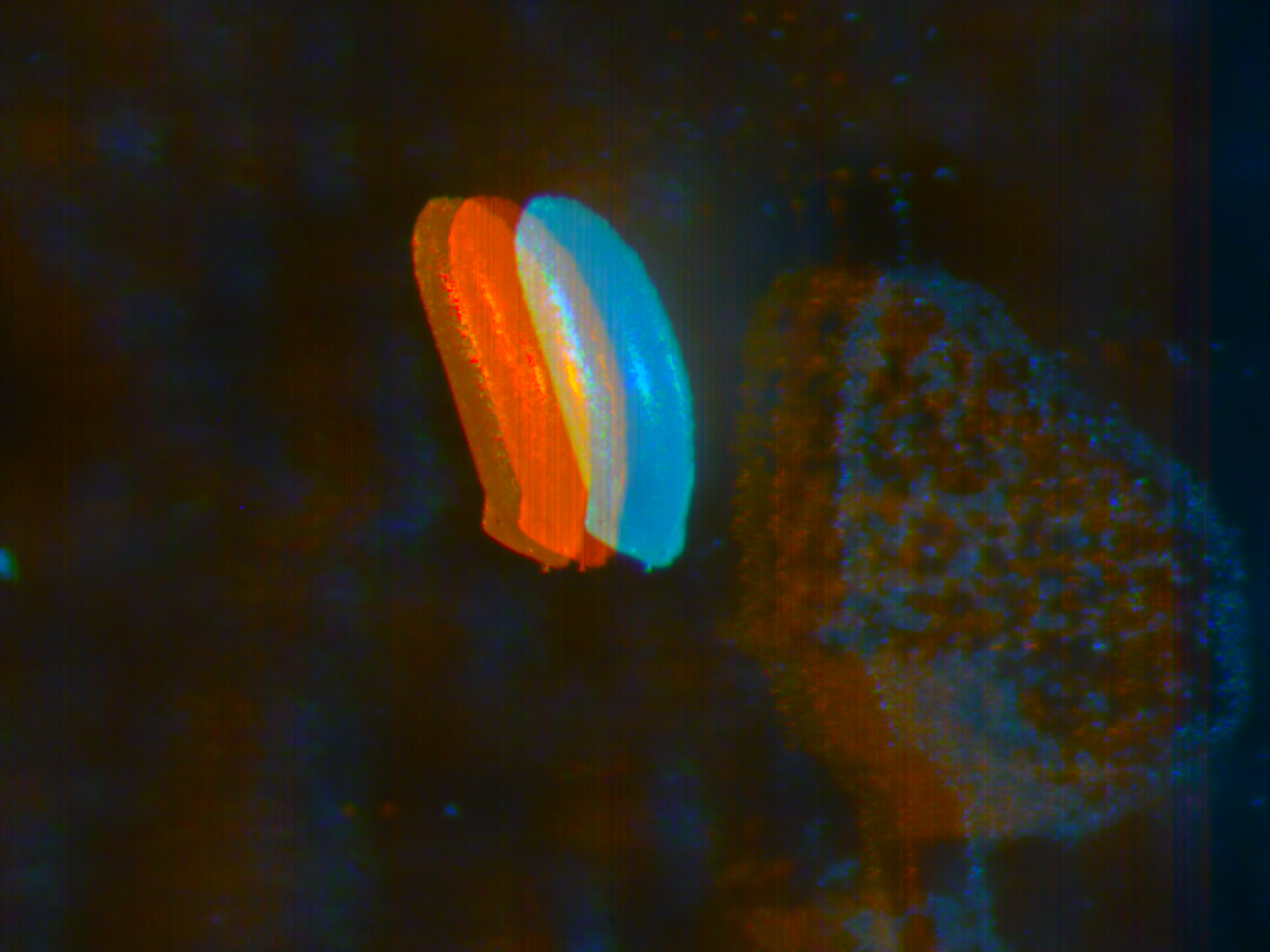
We can also show code in a neat way. In C++:
#include <iostream>
int main(){
  std::cout << "Hello world!" << std::endl;
  return 0;
}
And in Python:
print("Hello world!")
Conclusion
This seems like a simple and cheap way to make a website, so I think I’ll continue posting more of the projects I’ve done and will do. No promises though!
I’ll see you soon.